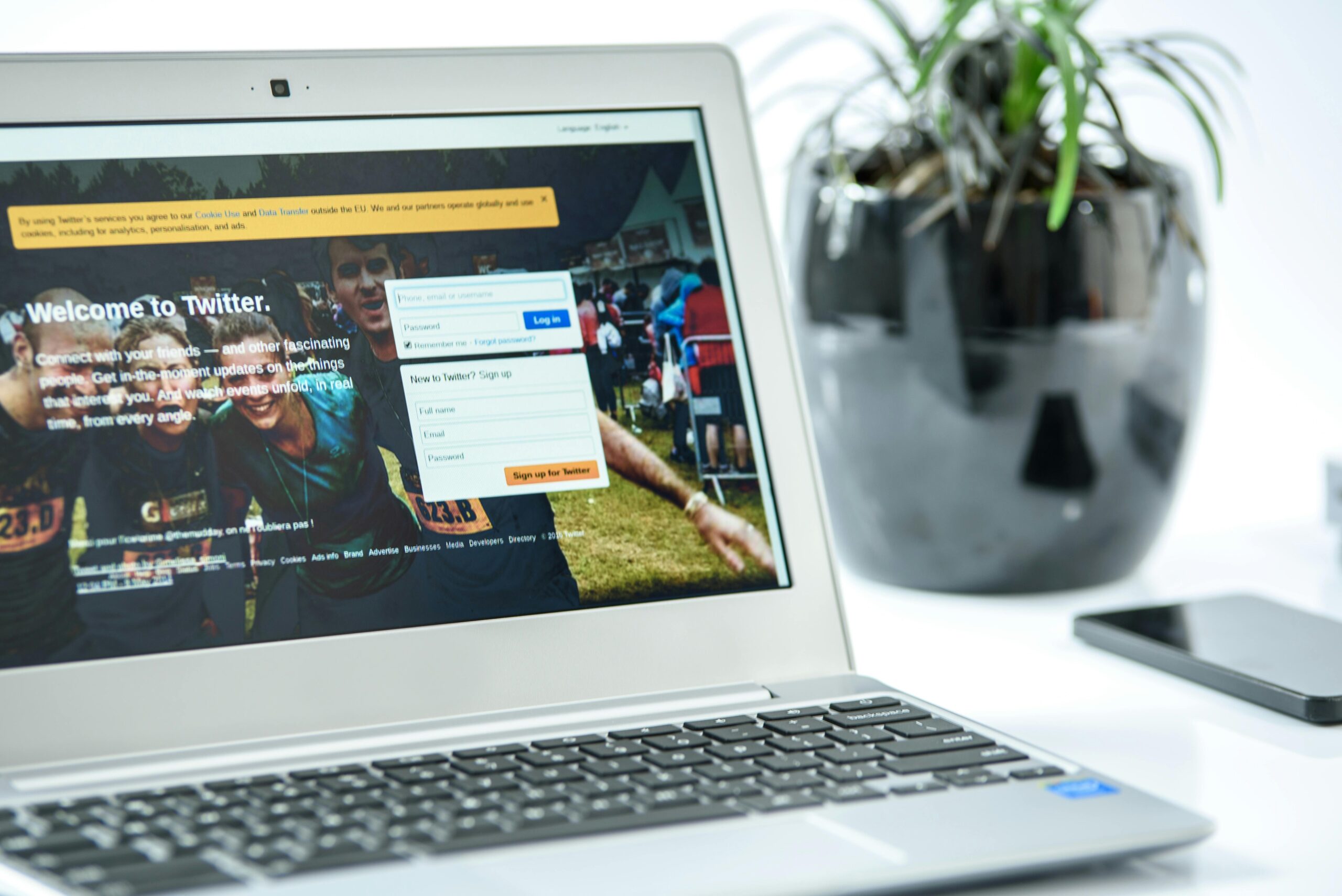
In today’s hyper-connected world, staying focused has become one of the most challenging tasks we face daily. Our smartphones, tablets, and computers constantly pull our attention in countless directions, making it difficult to maintain productivity and mental clarity.

The average person checks their phone over 100 times per day, with social media platforms and entertainment websites designed specifically to capture and hold our attention. This constant digital bombardment doesn’t just waste time—it fragments our concentration, increases stress levels, and diminishes our ability to engage in deep, meaningful work. The good news is that with the right website blocker setup, you can reclaim control over your digital environment and create a distraction-free workspace that supports your goals.
🎯 Understanding Why Website Blockers Are Essential for Modern Productivity
Before diving into specific setup strategies, it’s important to understand the psychology behind digital distractions. Our brains are wired to seek novelty and instant gratification, which is exactly what social media feeds, news sites, and entertainment platforms provide. Every notification, every new post, and every video recommendation triggers a small dopamine release, creating a powerful cycle that’s difficult to break through willpower alone.
Website blockers work by removing the option to access these distracting sites during your designated focus times. Rather than relying on self-control—a limited resource that depletes throughout the day—you create structural barriers that make productive behavior the path of least resistance. This approach aligns with behavioral psychology principles and has proven far more effective than simply trying to “be more disciplined.”
📱 Mobile Website Blockers: Your First Line of Defense
Since smartphones are often our primary source of digital distraction, implementing a robust mobile blocking strategy is crucial. Mobile website blockers help you control access to time-wasting apps and websites directly on your phone, where temptation is strongest.
Top Mobile Blocking Solutions
Several excellent apps provide comprehensive website and app blocking features for Android devices. BlockSite is one of the most popular options, offering both website blocking and app blocking functionality with customizable schedules and categories.
When setting up your mobile blocker, focus on these key elements: identify your biggest time-wasting apps and websites, create specific time blocks when these should be inaccessible, and establish clear goals for what you want to accomplish during your focus periods. Most effective users block social media during morning hours (when cognitive performance peaks) and during designated work blocks throughout the day.
Another powerful option is the Forest app, which gamifies focus by growing virtual trees during your concentration sessions. If you leave the app to check blocked sites, your tree dies, creating a gentle but effective accountability mechanism.
💻 Desktop Website Blocking: Creating a Distraction-Free Workspace
While mobile devices pose significant distraction challenges, desktop and laptop computers require their own blocking strategy. Many people find they’re most productive on computers, but also most vulnerable to the “just one quick check” mentality that derails focus.
Browser Extensions for Immediate Relief
Browser extensions offer the quickest path to implementing website blocks on your computer. Extensions like Freedom, Cold Turkey, and StayFocusd work across different browsers and provide varying levels of restriction intensity.
When configuring browser-based blockers, consider creating multiple blocking profiles for different work modes. You might have a “deep work” profile that blocks virtually everything except essential work tools, a “moderate focus” profile that allows email but blocks social media, and a “research mode” that’s more permissive but still blocks obvious time-wasters.
System-Level Blocking for Serious Focus
For those who find themselves bypassing browser extensions, system-level blockers provide more robust protection. These programs operate at the operating system level, making them much harder to circumvent during moments of weakness.
Cold Turkey Blocker (for Windows) and SelfControl (for Mac) are two powerful options that can block not just websites but also applications, and some versions even allow you to block the entire internet except for whitelisted sites. The key advantage is that once a blocking session begins, you literally cannot access blocked content until the timer expires—even restarting your computer won’t help.
⚙️ Smart Blocking Schedules: Timing Is Everything
The difference between effective and ineffective website blocking often comes down to scheduling. Blocking everything all the time isn’t practical or sustainable; instead, you need strategic blocks that align with your natural energy cycles and work demands.
The Peak Performance Schedule
Most people experience peak cognitive performance within the first few hours after waking. This makes morning hours ideal for your strictest blocking periods. Consider implementing a “morning fortress” approach where all distracting sites and apps are blocked from the moment you start work until lunch or midday.
During these hours, focus on your most important, cognitively demanding tasks—the work that truly moves your projects forward. Research shows that even brief interruptions can derail focus for up to 23 minutes, so protecting these prime hours is critical.
The Afternoon Maintenance Block
Energy typically dips in the afternoon, making this period vulnerable to distraction seeking. Rather than fighting this natural rhythm, implement a moderate blocking schedule that still protects your focus while acknowledging reduced willpower reserves.
You might allow brief, scheduled breaks for checking social media or news (perhaps 10 minutes every 90 minutes) while keeping blocks active during work intervals. This “scheduled distraction” approach satisfies the urge to check without allowing unlimited access.
🎨 Creating Custom Block Lists That Actually Work
The effectiveness of your blocking setup depends heavily on identifying which sites actually derail your focus. Generic block lists rarely capture your unique distraction patterns.
The Distraction Audit Process
Spend three days tracking every website and app you visit. Be honest—this audit only works if you capture reality, not your idealized version of your behavior. Tools like RescueTime can automate this tracking, providing detailed reports on where your time actually goes.
After your audit, categorize distractions into three tiers: Category 1 includes sites you access multiple times daily with no productive value (social media, entertainment sites, news sites you compulsively check). Category 2 contains sites that sometimes serve legitimate purposes but often lead to time-wasting (YouTube, Reddit, shopping sites). Category 3 includes sites that occasionally distract but are generally necessary for work.
Block Category 1 sites during all focus periods. For Category 2, create time-limited access windows or require a waiting period before unblocking. Category 3 sites might only need blocks during your most critical focus times.
🔐 Making Blocks Stick: Preventing Workarounds
The most sophisticated blocking setup fails if you can easily circumvent it during moments of weakness. Effective blocking requires creating meaningful friction between impulse and action.
Password Protection Strategies
Most quality blocking apps allow you to password-protect settings. The key is using a password you won’t easily remember. Some users have an accountability partner set the password, others generate a random string and store it somewhere inconvenient.
Another effective approach is the “delay mechanism”—apps that don’t prevent unblocking but require you to wait 15-30 minutes after initiating the unblock process. This delay allows the initial impulse to pass, and you often realize you don’t actually need access.
Cross-Device Blocking
A common workaround is switching devices—blocked on your laptop, so you grab your phone. Prevent this by synchronizing your blocking schedule across all devices. Many modern blocking tools offer cloud synchronization features that ensure consistent blocking regardless of which device you reach for.
📊 Measuring Success: Tracking Your Focus Improvements
Implementing website blocks is just the beginning; measuring their impact helps you refine your approach and stay motivated.
| Metric | How to Track | Target Improvement |
|---|---|---|
| Deep Work Hours | Manual logging or time tracking apps | 20-30% increase within 2 weeks |
| Social Media Time | Screen time reports or RescueTime | 50% reduction in first month |
| Tasks Completed | Project management tools or daily review | 15-25% increase within 3 weeks |
| Focus Session Length | Pomodoro timer or manual tracking | Extend from 25 to 45+ minutes |
Review these metrics weekly, celebrating improvements and adjusting your blocking strategy when you identify remaining problem areas. Many users find that after 30 days of consistent blocking, their baseline focus improves even during unblocked periods—the habit of concentration becomes self-reinforcing.
🌟 Advanced Blocking Techniques for Maximum Focus
Once you’ve mastered basic website blocking, several advanced techniques can further enhance your distraction-free environment.
The Nuclear Option: Internet Blocking
For truly critical work requiring absolute focus, some users employ complete internet blocking. This might seem extreme, but for tasks like writing, deep analysis, or creative work, offline time can be remarkably productive.
Plan these sessions carefully—download any necessary resources beforehand, and schedule them for work that genuinely doesn’t require connectivity. Even 2-3 hours of completely offline work each week can dramatically boost your productivity.
Context-Based Blocking
Some advanced blocking tools allow location or time-of-day triggers. You might automatically enable strict blocking when you arrive at your office or when you open specific applications like your writing software or coding environment.
This context-awareness reduces friction—you don’t need to remember to activate blocks; they engage automatically based on your circumstances. Over time, these environmental cues themselves become focus triggers.
🤝 Combining Blocks with Positive Focus Habits
Website blockers work best when paired with intentional focus-building practices. Blocking removes obstacles, but you still need to cultivate the skill of sustained attention.
The Pomodoro-Block Combination
Integrate your website blocks with the Pomodoro Technique—25-minute focus sessions followed by 5-minute breaks. During Pomodoro sessions, maintain strict blocks. During breaks, you might allow limited access to specific sites, creating a sustainable rhythm rather than an all-or-nothing approach.
Mindfulness and Block Management
Before adjusting your blocks or taking a scheduled break, pause for 30 seconds of mindful breathing. This brief practice helps you distinguish between genuine needs (taking a legitimate break) and avoidance behaviors (procrastinating on difficult work).
Many users find that this simple pause dramatically reduces impulsive unblocking while increasing overall satisfaction with their focus sessions.
🚀 Implementing Your Personal Blocking System: A Step-by-Step Action Plan
With all these strategies available, where should you actually begin? Here’s a practical implementation plan that works for most people:
- Week 1: Conduct your distraction audit. Install a basic blocking app on your primary device and block your top three distracting sites during your most important work hours.
- Week 2: Expand blocking to all devices and add additional distracting sites identified in your audit. Implement a morning deep focus block of at least 2 hours.
- Week 3: Add scheduled afternoon focus blocks and experiment with different blocking intensities for various work modes.
- Week 4: Review your metrics, adjust your block lists based on actual results, and implement password protection or other anti-circumvention measures.
This gradual approach prevents the overwhelm that causes many people to abandon blocking systems entirely. Each week builds on previous progress, allowing you to develop new focus habits alongside your technical blocking infrastructure.
💡 Maintaining Long-Term Success with Website Blockers
The final challenge isn’t implementing website blocks—it’s maintaining them over months and years as your initial motivation fades and old habits tempt you to loosen restrictions.
Schedule monthly “blocking reviews” where you assess what’s working, what isn’t, and what needs adjustment. Your distraction landscape will evolve—new websites emerge, work demands change, and your focus capacity develops. Your blocking system should evolve accordingly.
Connect with communities of others using website blockers. Subreddits like r/productivity and r/nosurf provide motivation, troubleshooting help, and accountability. Knowing others are on similar journeys helps during inevitable moments of temptation.
Remember that website blockers are tools, not solutions in themselves. They create the space for focused work, but you must fill that space with meaningful activity. Pair your blocking system with clear goals, engaging work, and regular reflection on what you’re accomplishing with your reclaimed attention.

🎯 Your Distraction-Free Future Starts Today
Mastering your focus in our distraction-saturated digital environment isn’t about superhuman willpower—it’s about smart systems that make focused work the easy choice. Website blockers provide the structural support that transforms good intentions into consistent action.
Start small, implement progressively, and trust the process. Within weeks, you’ll likely notice not just increased productivity but also reduced stress, improved work quality, and a greater sense of control over your time and attention. The digital world will always compete for your focus, but with the right blocking setup, you decide where your attention goes.
Your most important work deserves your undivided attention. Give it the gift of a distraction-free environment, and watch both your productivity and satisfaction soar.