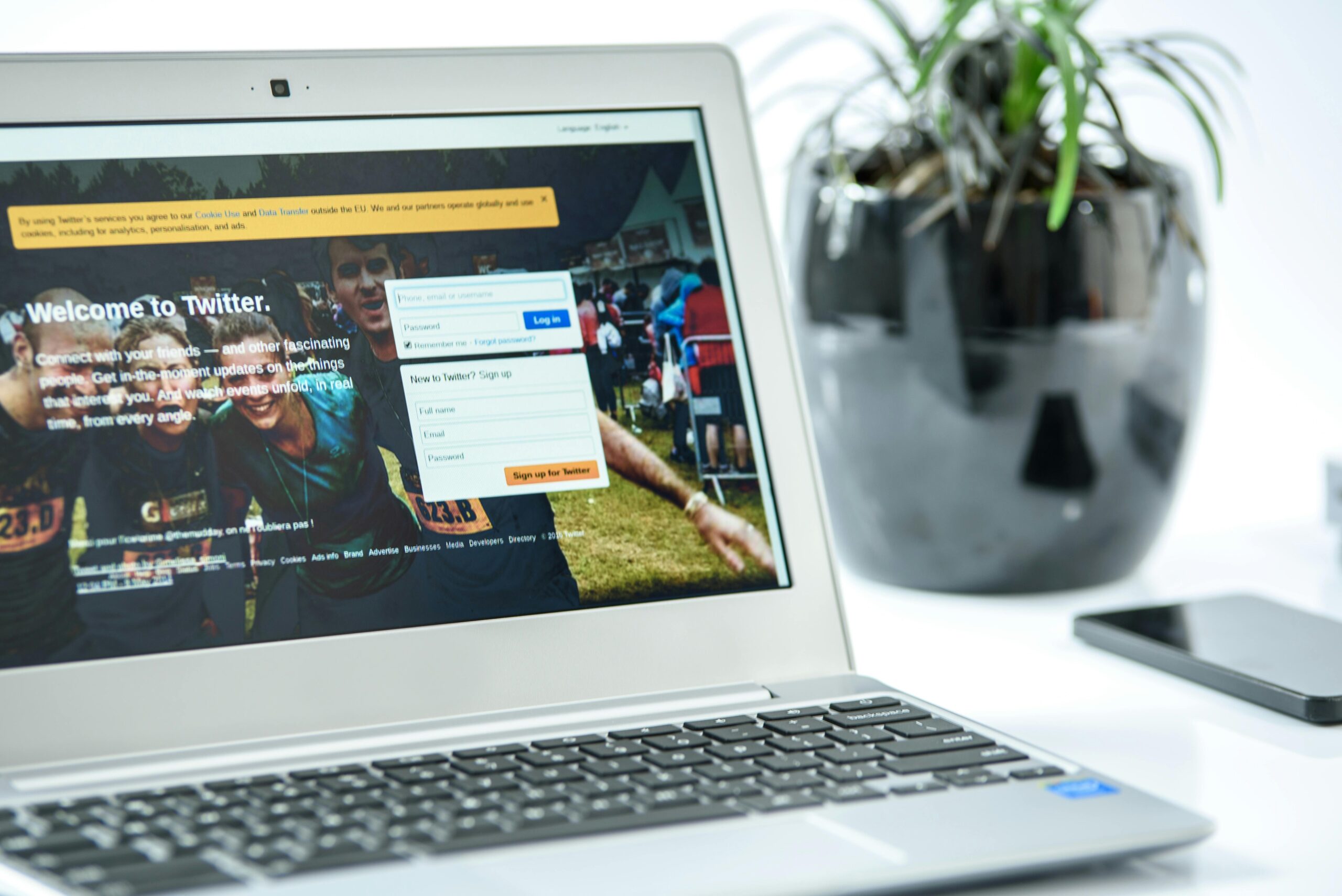
In today’s hyper-connected world, our devices buzz, ping, and flash constantly, pulling our attention in countless directions. The average person receives over 100 notifications daily, creating a mental battlefield where focus goes to die.

Reclaiming control over your digital interruptions isn’t just about silencing your phone—it’s about designing an intentional system that serves your priorities rather than sabotaging them. This comprehensive checklist will guide you through creating a distraction-free environment where only the notifications that truly matter can reach you.
🎯 Understanding the True Cost of Notification Overload
Before diving into solutions, it’s essential to recognize what’s actually at stake. Every notification represents a cognitive interruption that costs far more than the few seconds you spend glancing at your screen. Research shows that it takes an average of 23 minutes to fully regain focus after a distraction.
Constant notifications trigger your brain’s stress response, flooding your system with cortisol throughout the day. This chronic low-level stress contributes to anxiety, poor sleep quality, and decision fatigue. When your attention is fractured across dozens of apps competing for your engagement, your ability to do deep work, maintain relationships, and simply be present in the moment deteriorates significantly.
The notification economy thrives on hijacking your attention. App developers employ teams of psychologists to craft alerts that exploit your brain’s dopamine-driven reward pathways. Understanding this manipulation is the first step toward breaking free from it.
📱 The Foundation: Auditing Your Current Notification Landscape
Transformation begins with awareness. Before making changes, spend two days tracking every notification you receive. Note which ones prompted genuine value and which ones simply interrupted you. This exercise often reveals shocking patterns—most people discover that fewer than 10% of their notifications warranted immediate attention.
Create a simple spreadsheet or use your phone’s built-in screen time features to categorize notifications into four groups: essential (security alerts, emergency contacts), important but not urgent (calendar reminders, direct messages from key people), low-value (promotional emails, app updates), and completely unnecessary (social media likes, game invitations).
This audit provides the data-driven foundation for your notification management strategy. You’ll likely find that certain apps are notification bullies, demanding attention multiple times hourly while providing minimal value. These become your first targets for intervention.
Identifying Your Attention Priorities
Not all notifications are created equal, and not all hours of your day should be equally interruptible. Define your core focus periods—the times when deep work, family connection, or rest should be protected at all costs. For many people, this includes morning routines, work blocks, meals with loved ones, and the hour before bed.
Establish clear criteria for what constitutes a notification-worthy event. Does someone liking your social media post require immediate attention? Probably not. Does a text from your child’s school? Almost certainly. Creating explicit rules eliminates the decision fatigue of constantly evaluating whether to check your phone.
🔧 The Technical Setup: Configuring Your Devices for Focus
With your audit complete and priorities established, it’s time to implement technical changes. Modern smartphones offer increasingly sophisticated notification management tools, though they’re often buried in settings menus. Taking thirty minutes to properly configure these features pays dividends for months to come.
Master Focus Modes and Do Not Disturb
Both iOS Focus Modes and Android’s Do Not Disturb features allow you to create context-specific notification profiles. Set up dedicated modes for work, personal time, sleep, and driving. Each mode can allow different apps and contacts through while silencing everything else.
The key is automation. Schedule these modes to activate based on time, location, or activity. Your work focus mode might activate when you arrive at the office and automatically silence social media while allowing communication tools through. Your sleep mode could begin an hour before bedtime, helping you wind down without digital interruptions.
App-by-App Notification Configuration
Navigate to your device’s notification settings and review every single app. For most applications, you have granular control over notification types. Social media apps are particularly aggressive with multiple notification categories—likes, comments, friend suggestions, trending content, and more.
Apply this decision framework for each app: turn off all notifications by default, then consciously enable only those that provide time-sensitive value. For messaging apps, you might allow notifications from individual conversations with family while muting group chats that can be checked on your schedule.
Consider notification channels carefully. Many apps offer “important” versus “general” notification categories. Be ruthless about what qualifies as important. Marketing emails disguised as notifications should always be disabled. App update notifications rarely require immediate attention.
📧 Taming Email Notifications: The Biggest Attention Thief
Email notifications deserve special attention because they’re among the most disruptive yet socially normalized interruptions. The expectation of instant email responses has created a culture of continuous partial attention that decimates productivity.
Turn off all email notifications on your phone and smartwatch. Instead, schedule specific times to process email—typically two to four times daily for most professionals. This batch processing approach allows you to address messages efficiently while preserving uninterrupted focus periods.
If you’re concerned about missing genuinely urgent communications, implement a backup system. Share an alternative contact method (phone call or text) for true emergencies. Configure VIP alerts for key contacts whose emails might require faster responses. Most email clients allow you to designate specific senders whose messages trigger notifications while all others remain silent.
Managing Work Communication Tools
Slack, Microsoft Teams, and similar platforms present unique challenges because they blend urgent and trivial communications. Configure notification settings to distinguish between direct messages (which might warrant interruption) and channel activity (which rarely does).
Use status indicators intentionally. Set yourself as “do not disturb” during focus blocks, and cultivate a team culture where this status is respected. Establish team norms around what constitutes appropriate notification-worthy communication versus what can wait for asynchronous review.
🧠 Social Media: Breaking the Dopamine Cycle
Social media notifications are deliberately designed to be addictive, triggering dopamine releases that keep you checking compulsively. Every like, comment, and tag activates your brain’s reward circuitry, making these notifications particularly difficult to resist.
The most effective approach is complete elimination. Turn off all social media notifications without exception. Social media operates on your schedule, not the other way around. Designate specific times to check these platforms rather than allowing them to interrupt you throughout the day.
If complete notification disabling feels too extreme initially, start by disabling vanity metrics—likes, follows, and similar validation-seeking alerts. Keep only direct messages from close friends and family, treating social media messaging apps like any other communication tool with appropriate boundaries.
Creating Friction for Social Media Access
Beyond notifications, reduce the ease of mindlessly opening social media apps. Remove them from your home screen, requiring you to search for them intentionally. Use app timers to limit daily usage. Some people find success by deleting social media apps from their phones entirely, accessing these platforms only through desktop browsers during designated times.
⌚ Smartwatch Notification Strategy
Smartwatches promise convenience but often become wrist-mounted distraction machines. Because notifications appear directly on your body, they’re even more intrusive than phone alerts. Your smartwatch should enhance your life by filtering information, not by providing another channel for digital noise.
Configure your smartwatch to show only absolutely essential notifications—calendar reminders for upcoming appointments, messages from your inner circle, and health alerts. Everything else should remain on your phone, which you’ll check during scheduled intervals.
Take advantage of smartwatch focus modes that sync with your phone settings. During exercise, only health-related notifications should appear. During sleep, even those should be silenced unless you’re on-call for emergencies.
🏠 Creating Physical and Digital Boundaries
Technology settings alone won’t solve notification overload if your habits and environment work against you. Establish physical boundaries that support your digital ones.
Designate phone-free zones in your home—typically bedrooms, dining areas, and anywhere you want to prioritize human connection. Charge your phone outside your bedroom, using a traditional alarm clock instead of your device’s alarm function. This single change dramatically improves sleep quality and reduces the temptation for late-night scrolling.
Create notification-free time blocks that are non-negotiable. The first hour after waking and the hour before bed should be sacred periods where you connect with yourself, your thoughts, and your loved ones without digital interference.
The Power of Airplane Mode
Airplane mode is an underutilized tool for temporary total disconnection. When you need absolute focus for important work, difficult conversations, or genuine rest, airplane mode provides a simple on/off switch for all digital communication. Unlike do not disturb modes, it removes even the knowledge that notifications are accumulating, providing true mental space.
👥 Managing Social Expectations Around Responsiveness
One of the biggest barriers to effective notification management is social pressure. People expect immediate responses because always-on connectivity has normalized this unhealthy standard. Resetting these expectations requires communication and consistency.
Proactively communicate your notification boundaries to colleagues, friends, and family. Explain that you check messages at specific times rather than continuously, and provide alternative contact methods for genuine emergencies. Most people respect these boundaries once they understand them, and many appreciate the permission to establish similar boundaries themselves.
Set an auto-responder for email and messaging apps explaining your response timeframe. Something simple like “I check messages twice daily and will respond within 24 hours” manages expectations while demonstrating professionalism through intentional communication rather than reactive availability.
📊 Measuring Success and Iterating Your System
Notification management isn’t a one-time setup but an ongoing practice that evolves with your needs. Track metrics that matter: daily phone pickups, screen time, time spent in focused work, sleep quality, and subjective wellbeing measures.
Most smartphones provide weekly screen time reports. Review these regularly to identify patterns and problem areas. Are certain apps gradually reclaiming your attention? Has notification volume crept back up? Regular audits keep your system working effectively.
Experiment with progressively stricter boundaries to find your optimal balance. You might discover that going completely notification-free for certain days or weeks provides benefits that outweigh any minor inconveniences. Others find that a small set of carefully curated notifications serves them well.
Building a Notification Management Routine
Establish a weekly review process where you evaluate your notification settings and adjust as needed. As you install new apps, immediately configure their notification settings rather than accepting defaults. When life circumstances change—new job, new relationship status, new responsibilities—revisit your entire notification strategy to ensure it still aligns with your priorities.
🌟 Advanced Strategies for the Committed
For those ready to take notification management to the next level, consider these advanced approaches. Use separate devices for different life domains—a work phone and personal phone with completely distinct notification profiles. This physical separation creates psychological boundaries that software alone cannot achieve.
Explore minimalist phone operating systems or launcher apps that strip away distracting features while maintaining essential functionality. Some people find that switching to a basic phone for weekends or vacations provides a liberating reset from notification culture.
Consider notification budgets where you allow yourself a maximum number of enabled notifications across all apps—say, ten total. This forces ruthless prioritization and prevents gradual notification creep over time.
💡 Living the Distraction-Free Life
Mastering your notifications isn’t about technological perfection but about reclaiming sovereignty over your attention. Your focus is your most valuable resource, and every notification represents someone or something else’s agenda competing for that resource.
A distraction-free life doesn’t mean disconnection from the world—it means intentional connection on your terms. You respond to messages when you’ve designated time for communication. You consume content when you’ve chosen to engage with it. You’re present with the people in front of you rather than constantly monitoring digital representations of people elsewhere.
The initial setup requires effort, and maintaining boundaries demands consistency, but the payoff is transformative. People who successfully implement notification management report improved concentration, better relationships, reduced anxiety, higher quality work output, and a general sense of control that modern life often lacks.
Start small if the full checklist feels overwhelming. Choose three changes this week—perhaps disabling social media notifications, establishing phone-free meal times, and scheduling specific email checking periods. As these become habits, layer in additional strategies until you’ve built a comprehensive system that serves your highest priorities.
Your phone should be a tool that enhances your life, not a tyrant that dictates your attention. Every notification you disable, every boundary you establish, and every moment you choose presence over digital reactivity is an act of reclaiming your life from the attention economy. The distraction-free life isn’t some distant ideal—it’s a series of small, intentional choices you can begin implementing right now.